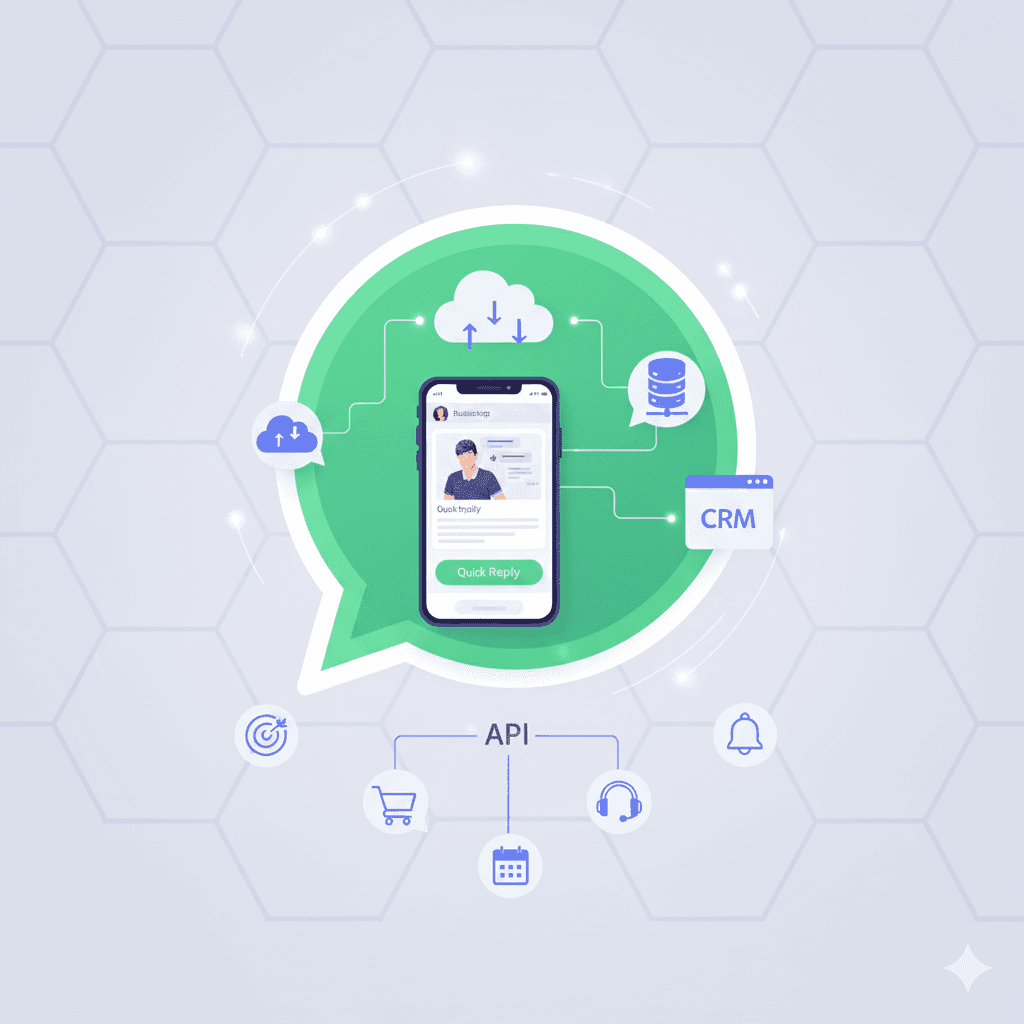
Key Advantages
- Implementing the WhatsApp Business API slashes customer response SLAs by automating FAQ replies, order confirmations, and delivery updates via 24/7 AI Agents.
- Enterprise WhatsApp Business API systems boost support team productivity using Multi-Agent/Multi-Device features that allow dozens of agents to handle one official number concurrently.
- Deploying the WhatsApp Business API guarantees business account safety from Meta ban risks by leveraging official Business Solution Provider (BSP) integration pipelines.
- WhatsApp Business API integration strengthens brand credibility with Green Tick verification and direct connectivity to CRM systems and Omnichannel Inboxes.
The WhatsApp Business API is Meta’s official application programming interface designed for mid-market and enterprise businesses to manage high-volume customer interactions centrally.
Unlike standard mobile WhatsApp applications, the API version empowers enterprises to connect their official business numbers to third-party platforms operated by official Business Solution Providers (BSPs) such as Cekat.ai. This unlocks seamless integrations with CRM software, e-commerce databases, AI chatbots, and omnichannel support inboxes.
Core Functions of the WhatsApp Business API:
- High-Volume Conversation Management: Manages thousands of daily inbound chats without performance degradation or system crashes.
- Single Number Multi-Agent Access: A single official WhatsApp number can be accessed by dozens of sales and support agents concurrently from dedicated dashboards.
- Automated Transactional Notifications: Dispatches automated updates such as shipping receipts, checkout confirmations, payment reminders, and OTP security codes.
- AI Chatbot & Workflow Automation: Resolves Tier-1 support queries independently using Natural Language Processing (NLP).
- Mass Broadcast Campaigns (Official WhatsApp Blast): Dispatches promotional messages to customers legally and structurally in full compliance with Meta policies.
Comparison: Standard WhatsApp vs. WhatsApp Business App vs. WhatsApp Business API
Many business owners remain confused regarding WhatsApp service tiers. The following comparison table details the fundamental differences:
| Feature / Dimension | Standard WhatsApp | WhatsApp Business App | WhatsApp Business API |
|---|---|---|---|
| Target User | Personal / Individuals | Small Micro-Businesses (MSMEs) | Mid-Market & Enterprise Businesses |
| Device Limits | Max 4 Linked Web Devices | Max 4 Linked Web Devices | Unlimited Devices (Multi-Agent) |
| Messaging Capacity | Low Volume | Restricted (Manual) | Extremely High (Thousands/Day) |
| Automation Capabilities | None | Quick Replies & Greeting Messages | AI Chatbots & Cross-System Workflows |
| System Integration | None | Limited | Connects to CRM, ERP, & Omnichannel |
| Branding Verification | None | Standard Business Profile | Official Green Tick Verification |
| Analytics & Reporting | None | Basic Message Stats | Real-Time Analytics & CS Dashboards |
How to Register for the WhatsApp Business API
The WhatsApp Business API registration process is not completed through mobile app stores, but through Meta’s official Business Solution Providers (BSPs).
Here are the four general steps to register your business:
1. Prepare Legal Business Documentation
Organizations must prepare official corporate registration documents for verification, including:
- Official Company Name (Corporation/Inc/LLC)
- Business Identification Number or Tax ID (NPWP/NIB)
- Official Business Website & Company Profile
- Utility Bills (Electricity/Telephone) matching the corporate address
2. Meta Business Manager Verification
Every enterprise must undergo Meta Business Verification via the Meta Business Manager portal. This step validates that the business entity is legitimate and operating legally.
3. WhatsApp Phone Number Registration & Verification
The registered phone number must meet specific requirements:
- Must not be currently registered on personal or mobile WhatsApp apps (or must be deleted/unregistered first).
- Must be capable of receiving SMS or voice calls to complete OTP verification code delivery.
4. BSP Platform Activation & System Integration
Once approved by Meta, the WhatsApp API number is activated on a BSP platform like Cekat.ai. Your team can immediately configure Unified Inboxes, build AI Chatbot workflows, and schedule broadcast campaigns.
WhatsApp Business API Pricing & Cost Structure (2026 Update)
WhatsApp Business API pricing operates under a Conversation-Based Pricing model established officially by Meta. Costs are calculated per 24-hour conversation session rather than per individual message bubble dispatched.
1. Meta Conversation Fees
Meta categorizes conversation sessions into four main types:
- Marketing Conversations: Promotional offers, targeted deals, or catalog updates.
- Utility Conversations: Order notifications, delivery updates, and transaction alerts.
- Authentication Conversations: One-Time Passwords (OTPs) and account security logins.
- Service Conversations: User-initiated inquiries when customers contact customer support.
2. Provider Platform Subscription Fees (BSP)
In addition to Meta official rates, platform providers (BSPs) charge subscription fees for software features, including:
- Omnichannel Inbox Platform Licensing
- Additional CS Agent Seat Charges
- AI Chatbot Engine & System Integration Modules
Guide to Selecting a WhatsApp API Provider (BSP)
Choosing the right Business Solution Provider is critical for communication automation success. Key considerations include:
- Fee Structure Transparency: Ensure there are no hidden charges added to Meta conversation rates or platform software subscriptions.
- Local Technical Support: Responsive technical support teams simplify Meta verification steps and daily troubleshooting.
- No-Code & Omnichannel Integration: The BSP platform should easily connect to other touchpoints like Instagram DM, Email, and Web Live Chat.
- Green Tick Assistance Services: Providers should guide your Official Green Tick application process until approved by Meta.
Cekat.ai provides comprehensive WhatsApp Business API solutions combining an Omnichannel platform, automated AI Agents, and dedicated local onboarding support.
FAQ: Frequently Asked Questions About the WhatsApp Business API
1. What is the WhatsApp Business API?
The WhatsApp Business API is Meta’s official communication interface allowing enterprises to manage thousands of customer chats automatically, integrate with CRMs, and grant multi-agent access on one number.
2. Is the WhatsApp Business API free?
Meta does not charge an API setup fee, but enforces Conversation-Based Pricing per 24-hour session. Additionally, software subscription fees apply from BSP platform providers.
3. How long does the WhatsApp API account verification process take?
When legal documentation (Tax ID/Corporate ID) is complete, Meta Business Manager verification and number activation typically take between 2 to 7 business days.
4. Can an existing WhatsApp number be registered to the API system?
Yes. However, the number must first be deleted (account deleted) from the mobile WhatsApp application before connecting to the API platform.
5. Is the WhatsApp Business API safe from account bans?
Yes, extremely safe. Operating through official Meta API endpoints protects your business number from automatic bans as long as content complies with Meta messaging policies.
Build Professional Business Messaging with Cekat.ai
Implementing the WhatsApp Business API represents a strategic investment to elevate customer satisfaction, accelerate sales conversions, and reduce operational costs.
With Cekat.ai, navigate Meta registration smoothly, activate AI Chatbot capabilities, and manage all customer conversations from a unified omnichannel dashboard.
Consult your business messaging needs & Try the Cekat.ai Demo Today!
Leave a Reply